Create a Project#
A SAM project consists of one or more cases. Each case stores inputs and results for a renewable energy system. When you save a project, SAM creates a project file with the .sam extension.
To create a SAM project:
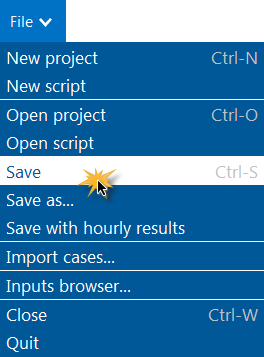
On the Welcome page, click Start a new project to create a new project, or on the File menu, click New project.
Choose models for your project.
SAM creates the project with a single case with all input variables populated with default values.
On the File menu, click Save to save the project as a .sam file.