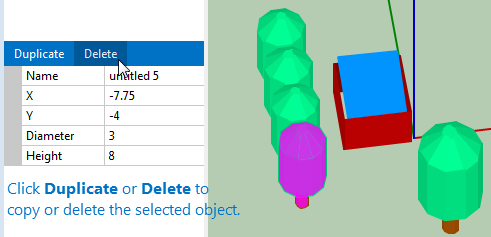
Delete and copy objects#
You can delete and copy objects from any view.
Note
The SAM shade calculator does not have an Undo feature.
To delete an object
Click the object to select it.
Click Delete in the bar above the object’s property table.
To copy an object
Click the object to select it
Click Duplicate in the bar above the object’s property table.
Select an Object to Copy or Delete it.