
Inputs Browser#
The inputs browser displays a list of the input variables in all cases in the active project. You can use it to:
Review all of the input values in your project.
Export a list of all of the inputs and their values.
Compare inputs in different cases.
To open the inputs browser:
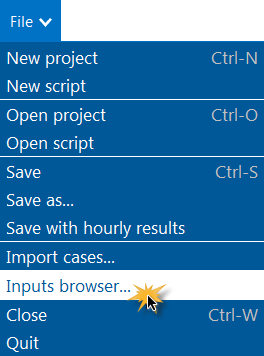
On the File menu, click Inputs Browser.
Browsing Inputs for a Single Case#
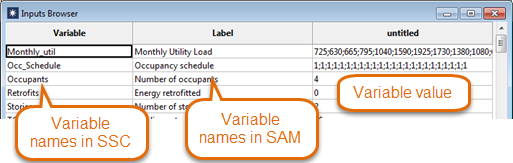
When the active project contains a single case, the inputs browser lists the variables in the case.
Browsing Inputs for Multiple Cases#
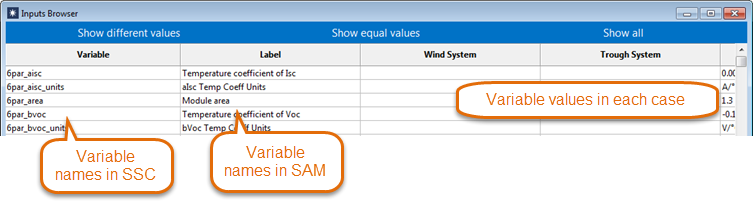
When the project contains more than one case, the inputs browser lists the inputs for each case in the project. You can filter the list to show the following:
- Show different values
List variables that exist in all cases and have different values.
- Show equal values
List variables that exist in all cases and have the same value.
- Show all
List all variables in all cases.