Main Window#
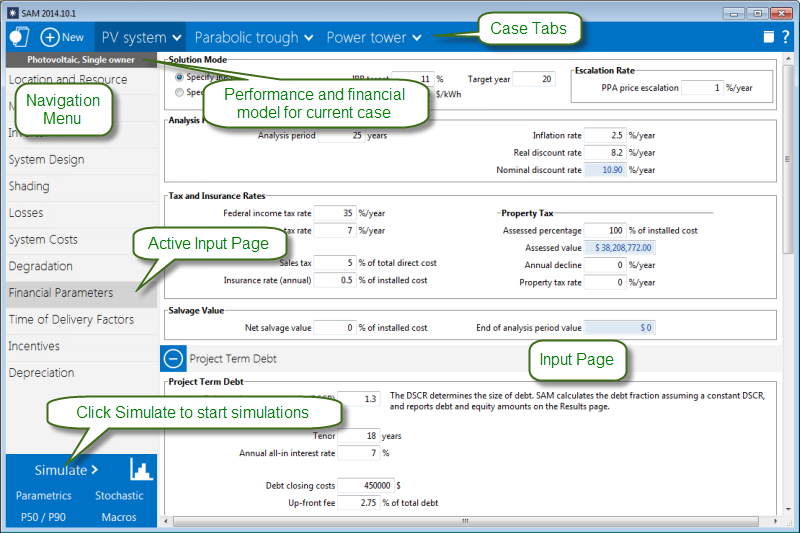
After you choose the models for your analysis, SAM displays the main window, which gives you access to the input pages for each case in the project:
Shortcut Menus#
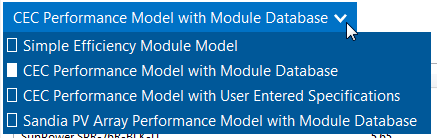
A  down arrow in SAM indicates a context menu. Click the button to show a list of commands or options:
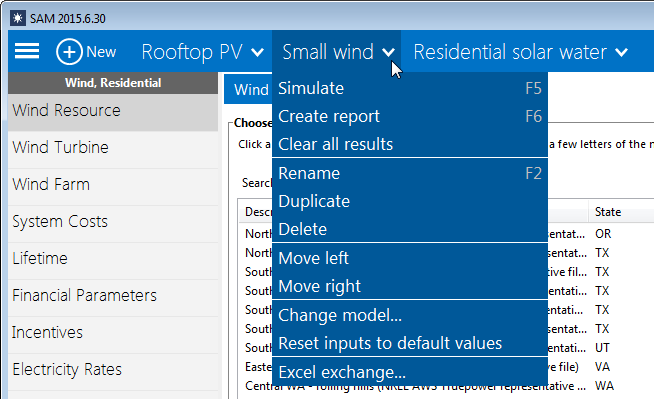
Case Tabs#
The case tab cases in the project and a context menu with commands for managing cases. A project may consist of a single case, or may contain more than one case.