Run Simulation#
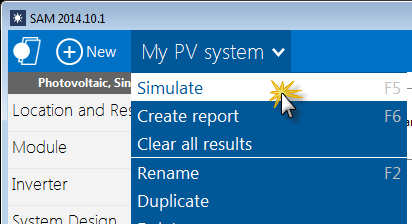
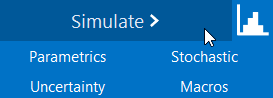
After reviewing and modifying inputs on the input pages, click Simulate to run a simulation.
After you run a simulation, SAM may display notices with information about the simulation. You can also display the notices any time by clicking Notices.
You can also run a simulation from the Case menu or by pressing the F5 key: